
Use this guide to sign in to the Spinoco mobile app for the first time.
Before you begin
Before you download or log in to the app, make sure you have an email invitation from your Spinoco administrator or team leader. You need this to create your password.
Your username is your email address, which is the same email address where you’ll receive your invitation.
Create your password
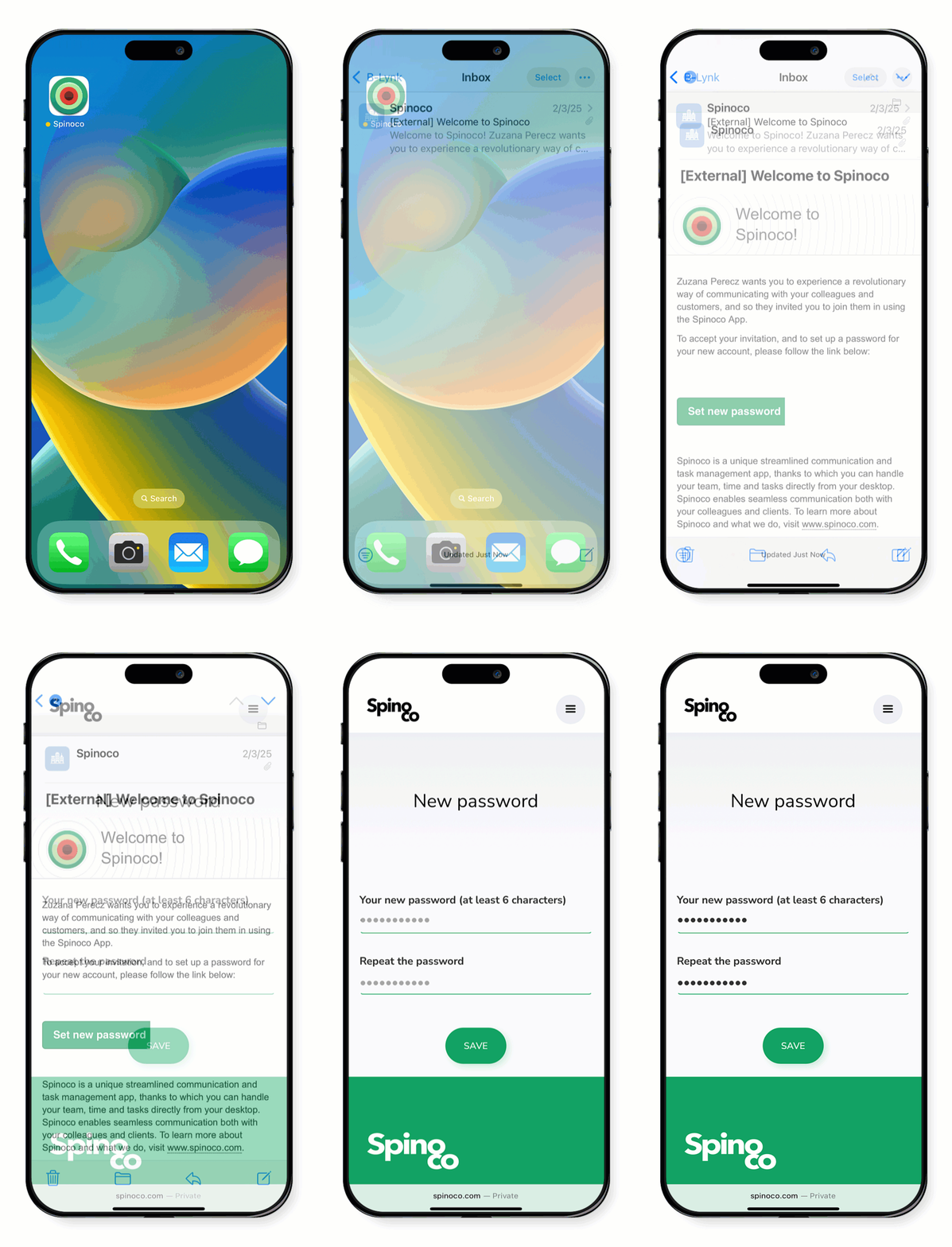
- Open the invitation email and click on the Set the new password link.
- You’re directed to the Spinoco website where your name appears and you’re prompted to enter and confirm your new password.
- Enter your new password and click Save.
To learn how to download the app, visit Download the mobile app (iPhone) or Download the mobile app (Android).