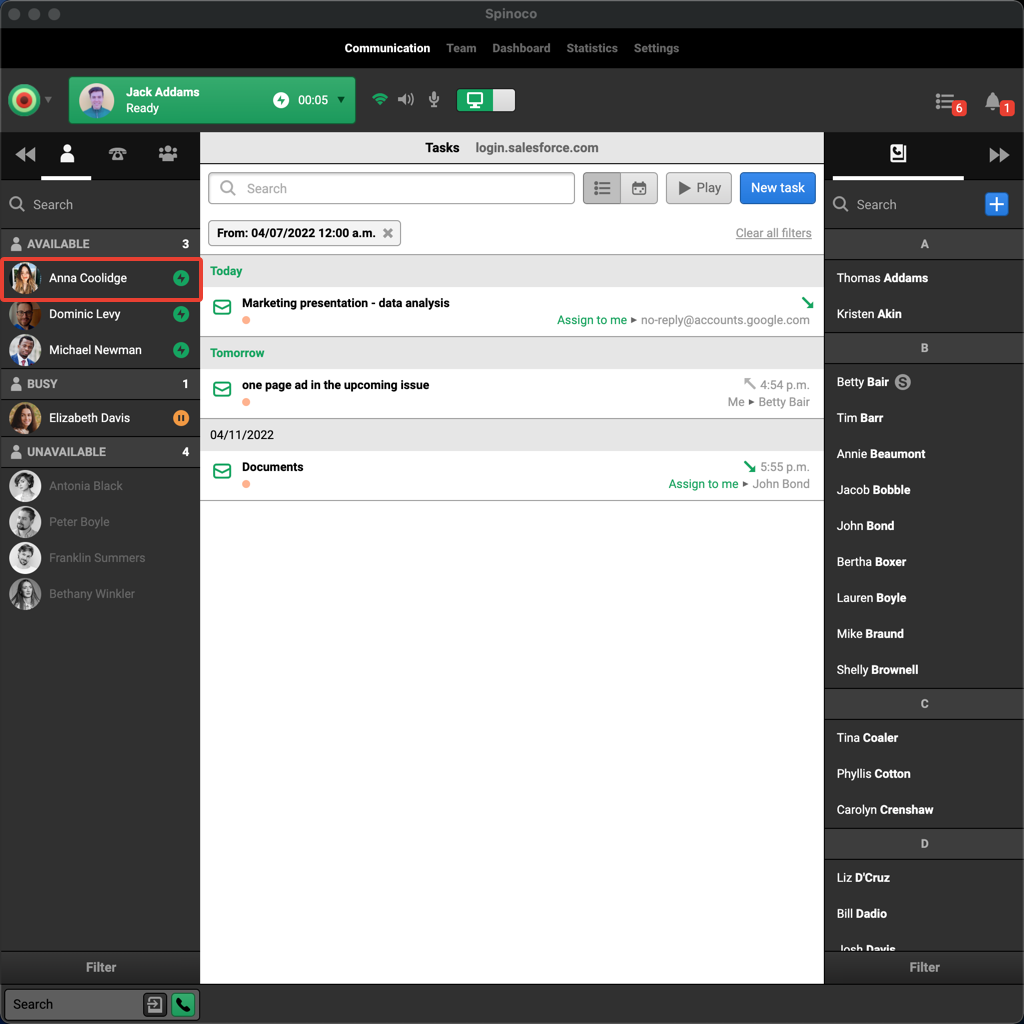
To call one of your colleagues within Spinoco, click their name in the list of available colleagues on the left-hand side.
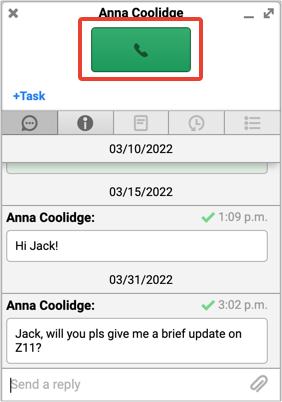
Once you select the colleague, their communication card will pop up. Just click the big green button with the call receiver icon on the communication card.
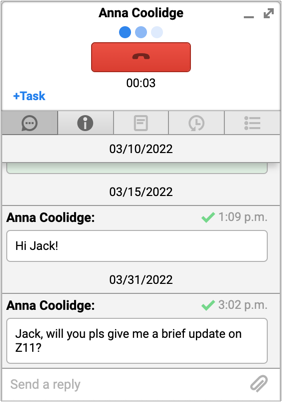
As soon as you click it, you will start dialing a call to your colleague. Enjoy your call!