
If someone from a different company or a different division in your company invites you into a new Spinoco instance, you will receive an invitation in the form of a notification within Spinoco.
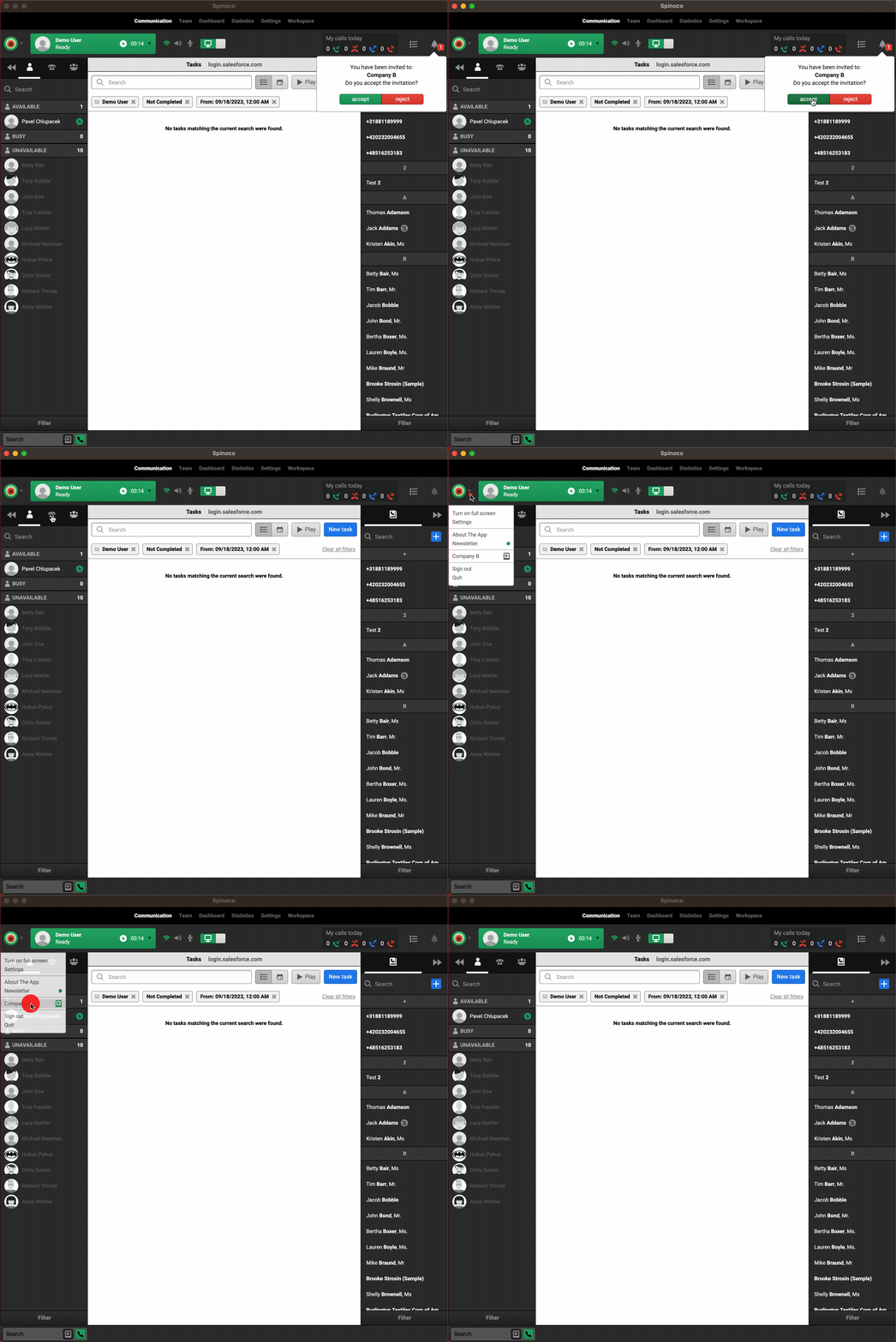
Upon accepting this invitation, you can find this second instance of Spinoco under the Spinoco logo in the top left corner.
Once you click on the name of the second instance, this will automatically open a new Spinoco window with the second instance.